Find the original file
Ask your designer for the original file and approved versions. A social-media download may be low resolution or include a background. Keep colour references and an existing monochrome version. Enlarging a small file does not restore missing detail.
Check contrast and proportion
Test the logo on a dark background and check small text. A limited surface should not carry every commercial message: prioritize the name and symbol. Confirm the available area and technique limitations with the supplier before deciding the size.
Separate a preview from final artwork
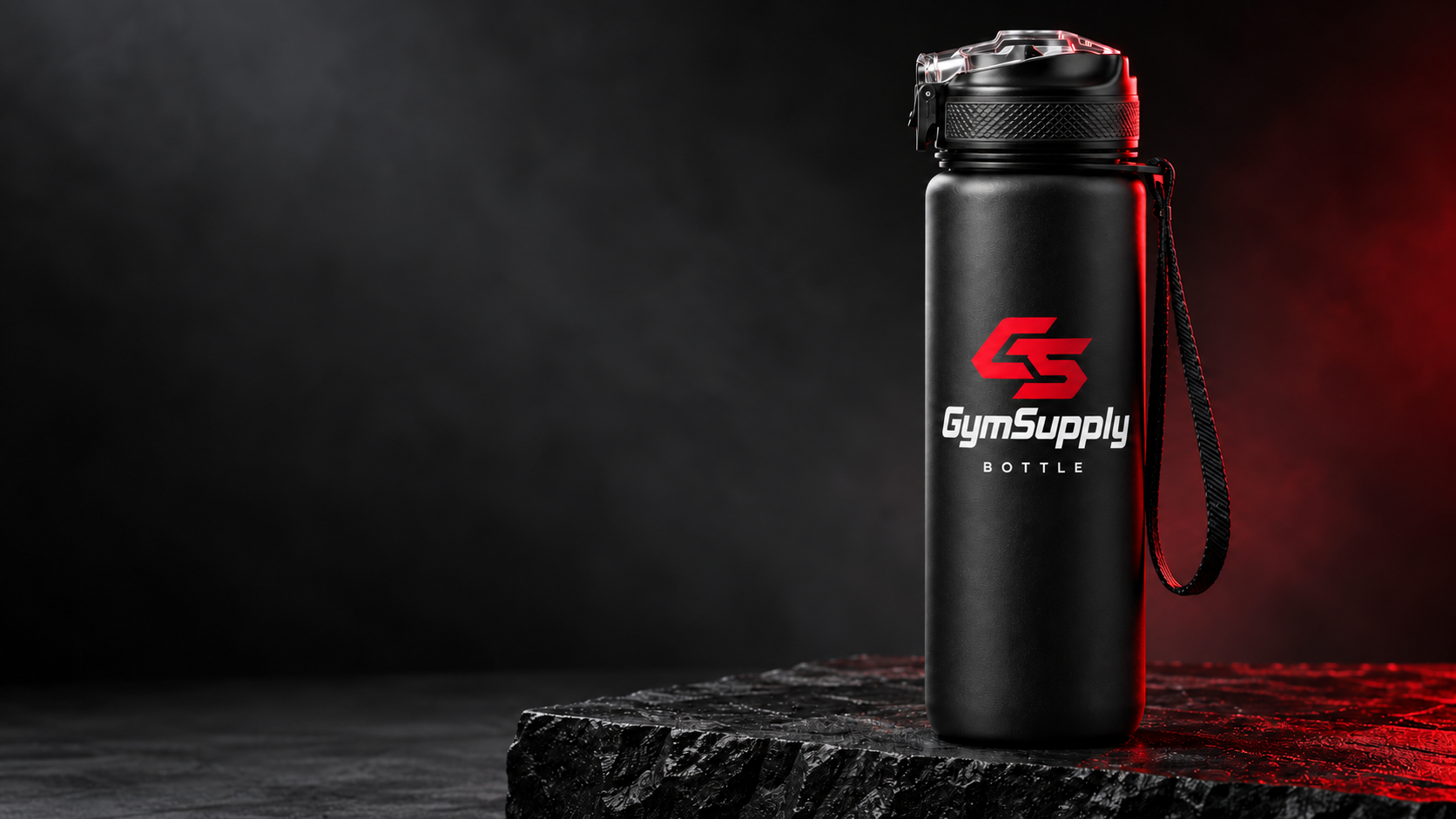
The GymSupply builder accepts PNG or JPEG files up to 5 MB for an indicative composition. The file stays on your device. The preview is not a print proof; production artwork and conditions require separate approval. Check spelling, logo version and placement.
GymSupply
From idea to proposal.
Explore Bottle and Wipes or prepare a request with your centre’s identity.